


 Previous
You can make copies with the image moved to the center of the copy paper.
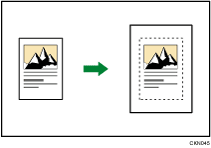

You cannot use the bypass tray with this function.
 Press [Original Settng].
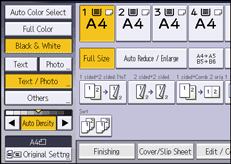
 Press [Original Size].
 Specify the original size, and then press [OK].
 Select original orientation.
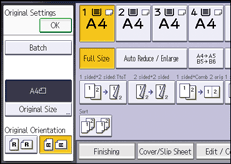
 Press [OK].
 Press [Edit / Color].
 Press [Edit Image].
 Press [Centering].
 Press [OK].
 Select the paper tray.

Though the original is placed to a different orientation from the paper loaded, the machine will not rotate the image by 90 degrees (Rotate Copy).


