




Types of duplex printing
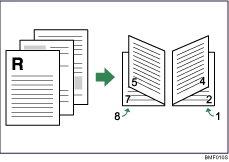
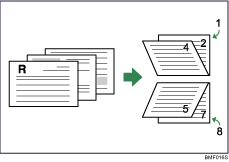
This section explains the binding directions available when using the duplex printing function. When using the duplex printing function, you can select whether to bind copies by edge or in the center.
Edge Binding
Duplex-Open to Left
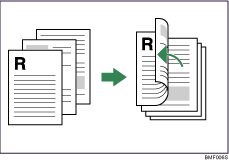
Duplex-Open to Right
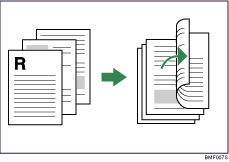
Duplex-Open to Top
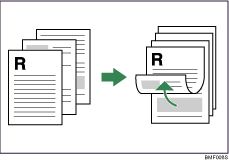
Center Binding
Booklet 1 -Open to Left
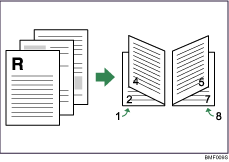
Booklet 1 -Open to Right
Booklet 1 -Open to Top
Booklet 2 -Open to Left
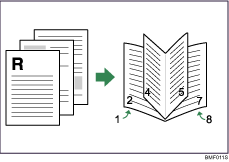
Booklet 2 -Open to Right
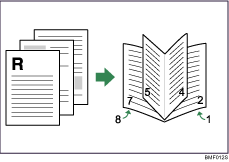
Booklet 2 -Open to Top
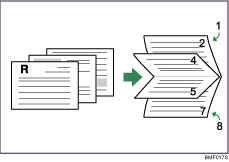

If you want to specify [Booklet 1 -Open to Top] or [Booklet 2 -Open to Top], you must first select [Landscape] as the setting for [Original orientation].
If you want to specify [Booklet 1 -Open to Right], [Booklet 1 -Open to Left], [Booklet 2 -Open to Right], or [Booklet 2 -Open to Left], you must first select [Portrait] as the setting for [Original orientation].

